![DiCAN Logo_No Tag_White.png]](https://www.dicaninc.com/hs-fs/hubfs/DiCAN%20Logo_No%20Tag_White.png?height=50&name=DiCAN%20Logo_No%20Tag_White.png)
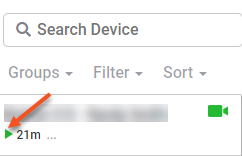
Green: The vehicle is moving and the camera(s) is online
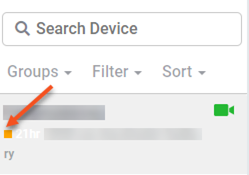
Yellow: The vehicle has stopped but the camera(s) is online (this usually occurs if the vehicle is idling, or a few moments after the vehicle has just been turned off)
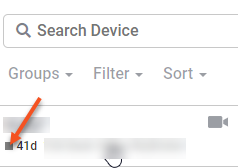
Grey: The vehicle is turned off and the camera(s) is offline
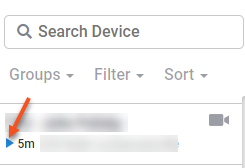
Blue: The vehicle is moving, but the camera(s) is offline. This could be due to low connectivity in the area, or a problem.